

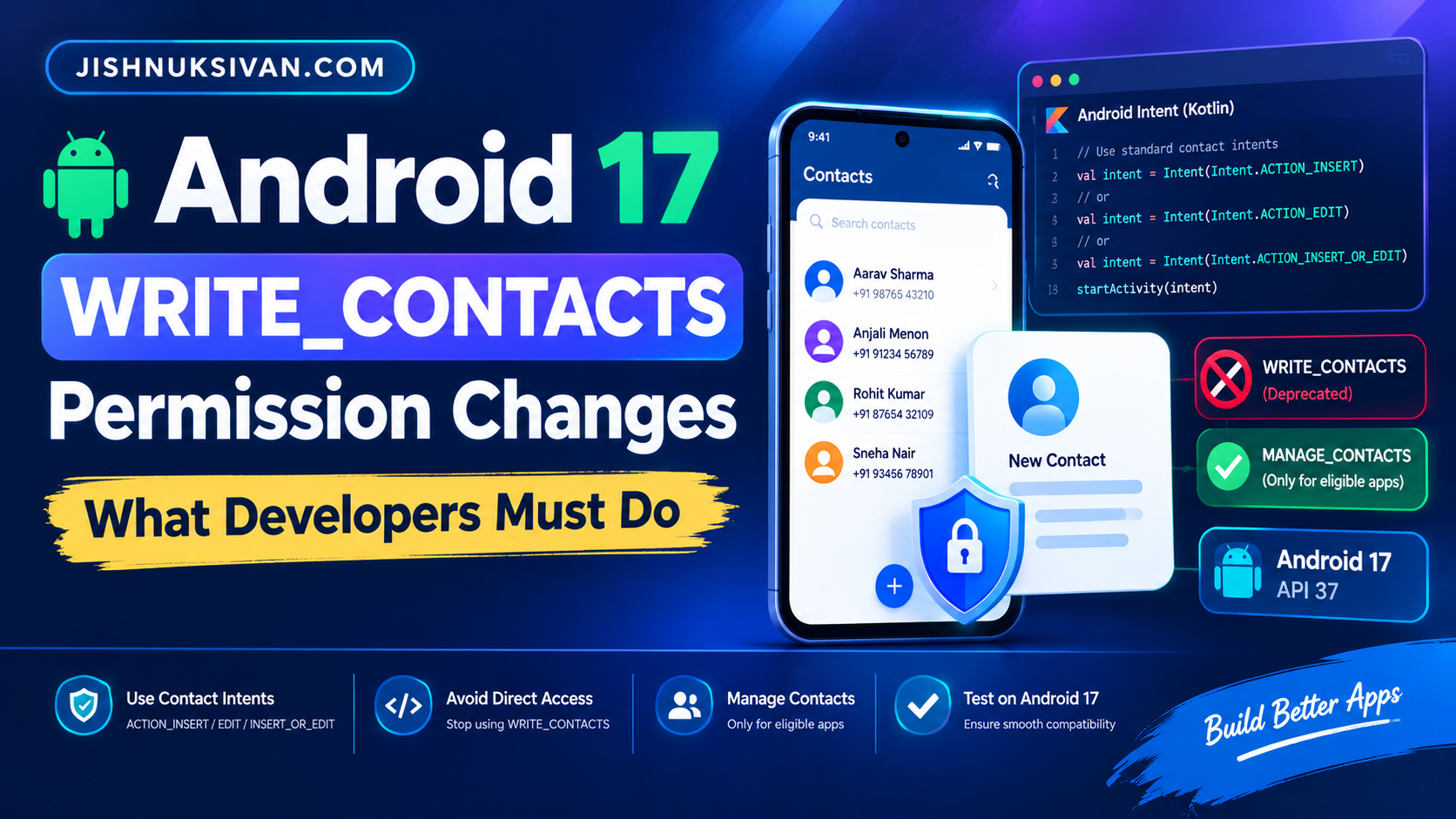
Google has announced an important change to how Android apps create and edit contacts. Apps targeting Android 17 (API level 37) will no longer be able to write directly to the Contacts Provider using the traditional WRITE_CONTACTS permission.
Instead, most apps should use standard Android contact intents that allow users to review and save contact information through the system interface. A new special app access permission, MANAGE_CONTACTS, is intended for apps that genuinely need broad contact-management capabilities.
In this guide, you will learn what is changing, why it matters, how to migrate your Kotlin or Java code, and how to test your app before targeting Android 17.
What Is Changing in Android 17?
Previously, Android apps could request android.permission.WRITE_CONTACTS and use the Contacts Provider APIs to insert, update, or delete contact information directly.
For apps targeting Android 17 (API level 37) or later, this direct-write approach will no longer work without the appropriate special access. Direct writes can fail with a SecurityException or permission denial.
Google recommends standard contact intents for common, user-initiated tasks. These intents open the system contact editor so users can review and save the information themselves.
- ACTION_INSERT: Create a new contact.
- ACTION_EDIT: Edit a known contact.
- ACTION_INSERT_OR_EDIT: Let the user choose an existing contact or create a new one.
These intents are the recommended approach for most apps and do not require the app to have broad contact-write permission.
Why Is Google Changing WRITE_CONTACTS?
The traditional permission gives an app broad access to modify a user’s address book. Many apps only need to save a single phone number or email address, so requesting broad access is often unnecessary.
The new approach improves privacy and gives users more control over changes to their contacts. It also standardizes the contact-editing experience across supported Android devices.
For example, a business card scanner can prepare a person’s name, phone number, email address, and company information, then open the system contact editor. The user can review the details before saving.
Who Needs to Update Their Android App?
You should review your implementation if your app does any of the following:
- Creates contacts directly using
ContactsContract.RawContacts. - Writes phone numbers or email addresses to
ContactsContract.Data. - Uses
ContentResolver.insert()orContentResolver.update()to modify contacts. - Uses contact-provider batch operations to create or update records.
- Synchronizes contacts with a remote account in the background.
- Adds custom calling or messaging actions to existing contacts.
Apps that only let users select contacts may not need write access at all. Consider the Android Contact Picker if your app only needs specific contact details selected by the user.
How to Replace WRITE_CONTACTS with Contact Intents
1. Create a new contact with ACTION_INSERT
If your app needs to save a new contact, open the system contact editor and pre-fill the available information.
val intent = Intent(Intent.ACTION_INSERT).apply {
    type = ContactsContract.Contacts.CONTENT_TYPE

    putExtra(
        ContactsContract.Intents.Insert.NAME,
        "Alex Johnson"
    )

    putExtra(
        ContactsContract.Intents.Insert.PHONE,
        "+1 555 0100"
    )

    putExtra(
        ContactsContract.Intents.Insert.EMAIL,
        "alex@example.com"
    )
}

startActivity(intent)
The system opens the contact editor with the supplied information. The user can review and save the contact.
In an Activity, use startActivity(intent). From a non-Activity context, add Intent.FLAG_ACTIVITY_NEW_TASK where appropriate.
2. Update a known contact with ACTION_EDIT
If your app already has the URI of a contact that the user wants to edit, launch the system editor for that contact.
fun editContact(contactUri: Uri, newPhone: String) {
    val intent = Intent(Intent.ACTION_EDIT, contactUri).apply {
        putExtra(
            ContactsContract.Intents.Insert.PHONE,
            newPhone
        )
    }

    startActivity(intent)
}
Use a valid contact URI that your app is allowed to access. The system editor handles the editing interaction.
3. Let the user choose an existing contact or create a new one
If you do not know which contact should be updated, use ACTION_INSERT_OR_EDIT.
val intent = Intent(Intent.ACTION_INSERT_OR_EDIT).apply {
    type = ContactsContract.Contacts.CONTENT_ITEM_TYPE

    putExtra(
        ContactsContract.Intents.Insert.PHONE,
        "+1 555 0100"
    )
}

startActivity(intent)
This is useful for messaging apps, business card scanners, customer forms, and other applications that prepare contact information on behalf of the user.
Important: Standard contact intents do not support every custom Contacts Provider operation. Custom data types and bulk background synchronization may require a different implementation.
Do You Need MANAGE_CONTACTS?
Google is introducing MANAGE_CONTACTS as a special app access permission for applications that genuinely need broad contact-management functionality.
It is not intended as a general replacement for WRITE_CONTACTS. A typical app that saves one contact after a user action should use a contact intent instead.
| App functionality | Recommended approach |
|---|---|
| Save a contact from a chat | ACTION_INSERT |
| Add a phone number to a contact | ACTION_EDIT or ACTION_INSERT_OR_EDIT |
| Let users select contacts to invite | Android Contact Picker |
| Publish calling or messaging actions | People Directory, when available and appropriate |
| Synchronize an address book continuously in the background | Evaluate eligibility for MANAGE_CONTACTS |
| Build a dedicated contact manager or dialer | Evaluate eligibility for MANAGE_CONTACTS |
MANAGE_CONTACTS is granted through a special app access setting rather than a normal runtime permission dialog. Apps distributed through Google Play must follow the applicable permission declaration and policy requirements.
Check the current official Android documentation and Google Play policy before deciding that your app qualifies. Having a custom contact-editing interface alone does not establish eligibility.
What Is the Android Contact Picker?
The Android Contact Picker lets users share selected contact information with an app without granting access to their entire address book.
It is available on devices running Android 17 (API level 37) or later. Your app can request the specific types of data it needs, such as phone numbers or email addresses.
Use the Contact Picker when users need to:
- Select a person to invite to a service.
- Choose a phone number for a message.
- Select an email address to share information.
- Choose multiple contacts for an action.
The picker returns access to the selected information rather than unrestricted access to every contact. Handle the returned URI and its temporary permissions according to the official integration guide.
Official guide: Android Contact Picker documentation.
How to Migrate an Existing Android App
Step 1: Search your project
Search the codebase for these identifiers:
WRITE_CONTACTSContactsContract.RawContacts.CONTENT_URIContactsContract.Data.CONTENT_URIContentResolver.insert()ContentResolver.update()applyBatch(ContactsContract.AUTHORITY, ...)
Review every result to determine whether it writes contacts directly and whether the operation is user-initiated or part of background synchronization.
Step 2: Replace simple writes with intents
Use ACTION_INSERT for new contacts and ACTION_EDIT or ACTION_INSERT_OR_EDIT for updates. Pre-fill supported fields so the user does not need to enter the same information again.
Step 3: Review custom contact data
The standard system editor supports common contact data types, but custom MIME types may be ignored. If your app relies on custom contact-provider fields, investigate an alternative design before migration.
Step 4: Evaluate background synchronization
If your app continuously synchronizes a user’s address book with a cloud or enterprise account, contact intents may not meet its core requirements. Review the eligibility rules and special access requirements for MANAGE_CONTACTS.
Step 5: Update your manifest
Once no code path requires direct contact writes, remove the unnecessary WRITE_CONTACTS permission from your Android manifest. Keep other contact permissions only when your app has a legitimate need for them and meets the applicable platform and Play policy requirements.
Step 6: Test on Android 17
Install the app on an Android 17 emulator or physical device. Test contact creation, editing, cancellation, permission denial, and any contact-related background operations.
Testing Checklist for Developers
- Confirm that creating a contact opens the system editor.
- Confirm that pre-filled names, phone numbers, and email addresses are correct.
- Verify that editing an existing contact opens the expected record.
- Test what happens when the user cancels without saving.
- Check whether custom contact fields are supported.
- Test the Contact Picker if users select contacts.
- Check all background synchronization flows.
- Verify behavior on both older Android versions and Android 17.
- Test the release build, not only the debug build.
- Review the latest Google Play permission policy before publishing.
Common Mistakes to Avoid
Keeping WRITE_CONTACTS without reviewing its use
Simply retaining the permission will not restore direct-write behavior for apps targeting Android 17. Migrate the affected code paths.
Using MANAGE_CONTACTS for a simple feature
Most apps that save a contact at the user’s request do not need broad contact-management access. Use the standard intents instead.
Assuming every contact field will transfer
Custom MIME types and unsupported fields may not be preserved by the system editor. Test the data your app passes and design a fallback for unsupported fields.
Forgetting older Android versions
Your app may support many Android versions. Test the contact intents across your supported devices and versions, and retain version-specific behavior only when necessary.
Frequently Asked Questions
Does Android 17 completely remove WRITE_CONTACTS?
The key change is that apps targeting Android 17 (API level 37) or later can no longer rely on WRITE_CONTACTS for direct contact writes. Most apps should use standard contact intents. Eligible apps with broader contact-management needs can evaluate MANAGE_CONTACTS.
Do contact intents require WRITE_CONTACTS?
No. Standard intents such as ACTION_INSERT, ACTION_EDIT, and ACTION_INSERT_OR_EDIT let the system contact editor handle the user-facing save or edit operation without granting broad contact-write access to the calling app.
When will MANAGE_CONTACTS be available?
Google’s announcement says the special app access permission is arriving in Android 17 QPR2, planned for Q4 2026. Availability can depend on the device’s platform release, so check current documentation before relying on it.
Will this affect apps targeting older Android versions?
The direct-write restriction described here applies to apps targeting the upcoming Android release and later. However, testing on Android 17 is still recommended, and Google Play’s contact-data policies may have separate requirements.
Can a social app still let users invite friends?
Yes. If an app only needs the user to select people to invite, it can use the Android Contact Picker rather than requesting broad access to the address book.
Conclusion
Android 17 changes the way apps should create and edit contacts. Developers targeting API level 37 should replace direct contact writes with standard system contact intents wherever possible.
Use the Contact Picker when users only need to share selected contact details. Evaluate MANAGE_CONTACTS only if broad contact management is essential to the app’s core functionality and the app meets the relevant requirements.
Start by searching your code for direct Contacts Provider writes, migrate the appropriate flows, and test on Android 17 before updating your target SDK or publishing a release.
