

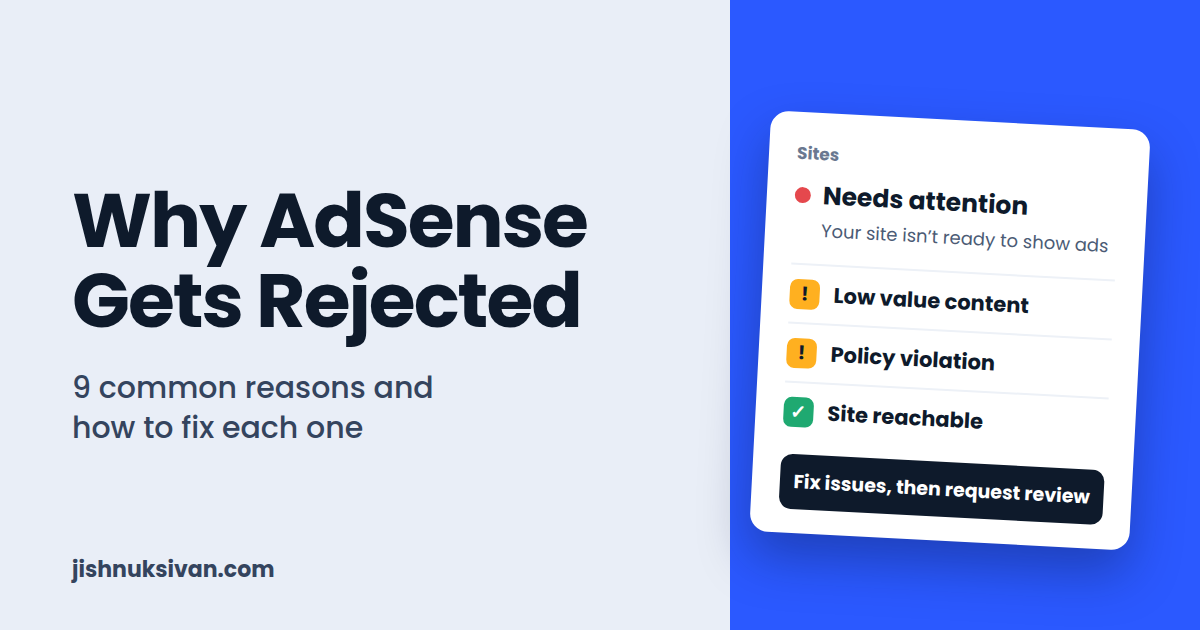
You spent weeks building your website, wrote some articles, and applied for Google AdSense. Then the message arrives: “Your site isn’t ready to show ads.”
It’s frustrating, especially when the message doesn’t tell you exactly what is wrong. I have been through the same process with my own sites, and I have seen how confusing it can be.
The good news is that a rejection is not permanent. It simply means Google found something that needs fixing. In this guide, I’ll explain the nine most common reasons AdSense rejects websites, how to recognize each one, and what to do about it.
What Does an AdSense Rejection Actually Mean?
When you submit a site, Google reviews it for content quality, user experience, and compliance with its program policies. If something fails, you will see a status such as “Needs attention” or “Not ready” on the Sites page of your AdSense account, usually with a reason.
The most common reason labels are:
- Low value content
- Site down or unavailable
- Policy violation
- Site isn’t ready to show ads (often a combination of the above)
Always check the exact reason in your AdSense account first. The fix depends on it.
1. Low Value Content
This is the number one reason new sites get rejected. “Low value” means Google doesn’t think your pages offer enough useful, original information to readers.
Common causes:
- Very short posts that barely answer the question
- Only a handful of articles on the whole site
- Articles that repeat the same information in different words
- Content that adds nothing beyond what is already on page one of Google
How to fix it:
- Write articles that fully solve a problem. For tutorials, that means a clear goal, requirements, numbered steps, screenshots, common errors, and a summary.
- Aim for depth, not word count. Google does not publish a minimum number of words or posts, but thin posts of 200 to 300 words rarely help.
- Add your own screenshots, code, and real experience.
- Improve or delete your weakest posts rather than leaving them online.
2. Copied, Spun, or Duplicate Content
AdSense is built for publishers who create original work. Content copied from other sites, or “spun” with a paraphrasing tool, is a fast route to rejection.
How to fix it:
- Write every article in your own words, based on your own experience.
- Run important posts through a plagiarism checker before publishing.
- Make sure the same article isn’t accessible at multiple URLs on your own site.
- Never republish content from YouTube transcripts, other blogs, or forums.
3. Content Made Only with AI and Left Unedited
AI tools are useful for outlines, research, and drafting. But if a site is full of generic, unedited AI text with no personal input, it tends to read as mass-produced and low value.
How to fix it:
- Use AI as an assistant, not as the author.
- Add your own steps, screenshots, test results, and opinions.
- Check every technical detail yourself, because AI can be confidently wrong.
- Rewrite in your own voice before publishing.
A simple test: if a stranger could not tell that a real person with real experience wrote the article, it needs more work.
4. Missing Important Pages or Poor Navigation
Google wants to see a site that looks complete, trustworthy, and easy to move around in. Visitors should quickly understand who runs the site and how to contact them.
Pages every site should have:
- About
- Contact (with a working form)
- Privacy Policy
- Terms and Conditions
- Disclaimer
Navigation checklist:
- A clear main menu with your main categories
- Footer links to Privacy Policy, Terms, Disclaimer, and Contact
- No broken links or empty category pages
- No leftover “Hello World” post or Sample Page from the default WordPress install
If a reviewer clicks a menu item and finds an empty page, the site feels unfinished, and that hurts your chances.
5. Site Down, Unreachable, or Blocking the AdSense Crawler
Sometimes the problem has nothing to do with your content. If Google’s crawler cannot access your site, it cannot review it.
Common causes:
- Slow or unreliable hosting that goes offline
- A “coming soon” or maintenance mode plugin left switched on
- Password protection on the site
- A security plugin or firewall that blocks bots
- A
robots.txtfile that blocks crawlers
How to fix it:
- Open your site in a private browser window to see what an outsider sees.
- Turn off maintenance mode and remove any password protection.
- Check your
robots.txtatyourdomain.com/robots.txtand make sure it doesn’t block the AdSense crawler. - Make sure your hosting is stable. If your site was down on the day of review, resubmit once it’s reliably online.
6. Policy Violations
Even a high-quality site can be rejected if it breaks Google’s publisher policies. Content that is usually not allowed includes:
- Adult or sexually explicit material
- Violence, hate speech, or harassment
- Illegal products or activities
- Hacking and cracking content, including cracked software and pirated downloads
- Copyrighted material you don’t have the right to use
- Misleading or deceptive claims
- Content that encourages invalid clicks on ads
For a tech and tutorial site like mine, watch out for topics such as cracked apps, modded APKs, “free money” tricks, and bypassing ad or platform rules. Always read the official AdSense Program Policies before publishing anything in a gray area.
How to fix it: Open the Policy center in your AdSense account, find the flagged issue, remove or rewrite the affected content, and then request a review.
7. Ads Placed on Pages Without Real Content
Google does not allow ads on screens with little or no publisher content. This includes pages that are under construction, pages used mainly for navigation, and pages built only to hold ads.
How to fix it:
- Don’t leave empty or near-empty pages published.
- Don’t put ad code on thank-you pages, error pages, or pages that are just lists of links.
- Make sure every page where ads appear has real, useful content.
8. Poor User Experience
A site that is hard to use will struggle in review, even if the writing is good.
Common problems:
- Not mobile friendly
- Very slow loading pages
- Pop-ups or overlays that cover the content
- Cluttered layout with confusing menus
- Hard-to-read fonts or colors
- Misleading buttons or fake download links
How to fix it:
- Test the site on a real phone.
- Check speed with PageSpeed Insights and compress large images.
- Use a clean, simple theme and remove unnecessary plugins.
- Keep the content easy to read, with headings, short paragraphs, and plenty of white space.
9. Applying Too Early, or With a Site That Isn’t Ready
Applying the moment you publish your first few posts is a very common mistake. A site with very few articles and no history can look incomplete.
How to fix it:
- Build up a solid base of helpful articles first, spread across your main categories.
- Make sure every category has real posts in it.
- Publish consistently for a few weeks before applying.
- Don’t keep changing your domain, theme, or site structure while the review is in progress. Wait for the result before making big changes.
Quick Pre-Application Checklist
Before you click apply, check each of these:
- Original, helpful articles in your own words
- Posts have screenshots, examples, and clear headings
- About, Contact, Privacy Policy, Terms, and Disclaimer pages are live
- Menu and footer links work
- No empty categories, no default WordPress content
- Site loads fast and looks good on mobile
- HTTPS is enabled
- The site is not blocking crawlers
- The site is added to Google Search Console with a sitemap submitted
- Nothing that breaks AdSense program policies
What to Do After a Rejection
- Read the exact reason in your AdSense account, on the Sites page and in the Policy center.
- Fix the real problem. Don’t just resubmit and hope. Improve content, add missing pages, or remove policy-risk posts.
- Wait and keep publishing. Use the time to add more quality articles instead of reapplying every day.
- Request a review again once you are confident the issues are fixed.
If you’re rejected more than once, don’t panic. Many successful publishers needed several rounds of improvements before approval.
Frequently Asked Questions
How long does AdSense review take?
Often a few days, but it can take longer. Avoid making big changes to the site during the review.
Is there a minimum number of posts or traffic for AdSense?
Google does not set a public minimum. What matters is that the site has enough valuable content and a good user experience. Traffic isn’t a formal requirement, but a site with real readers is easier to review positively.
Can I use a free domain or free hosting?
It’s risky. A custom domain on reliable hosting looks more professional and is generally safer for approval.
Do I need a Privacy Policy?
Yes. It’s essential, and it should explain how cookies and advertising are used.
Can I reapply with the same site after rejection?
Yes. Fix the reported issues and request a new review.
Will AI-written content get my site rejected?
Not automatically. Unedited, generic, mass-produced content is the problem. Content that you have researched, tested, edited, and improved with your own experience is what works.
Final Thoughts
AdSense rejection feels discouraging, but it is almost always fixable. In most cases, the cure is the same: helpful original content, a complete and easy-to-navigate site, a reliable technical setup, and strict respect for Google’s policies.
Focus on building a site that genuinely helps people, and approval tends to follow. If you found this guide useful, check my other posts on [AdMob ads in Android apps] and [Starting a YouTube channel], and feel free to reach out through my Contact page with questions.
Disclaimer: AdSense approval depends on Google’s own review and policies, which can change. This article is for educational purposes and does not guarantee approval or income.
