

Last updated: November 2026
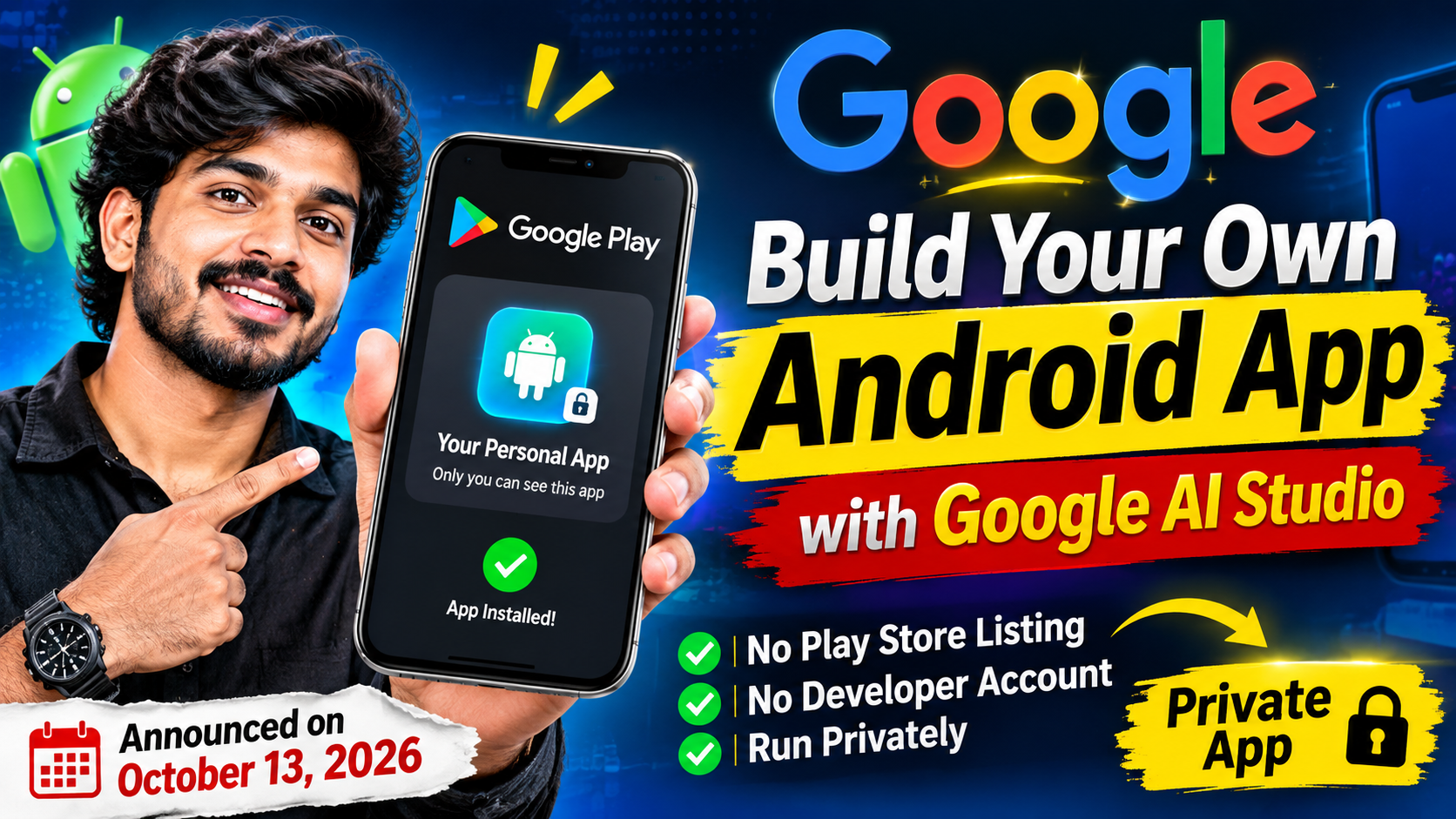
What if you could describe an app in plain English, let AI build it, and run it on your own Android phone, without publishing it to the Play Store or paying for a developer account? On October 13, 2026, Google announced a feature that does exactly that.
Google Play now lets people build a custom Android app with Google AI Studio and launch it privately on their own device through Google Play, using a normal Google account. These apps are called personal apps. They don’t appear in Play search or store listings, and only the person who made them can see them.
In this guide, I’ll explain how it works, who can use it right now, what the rules are, and what to watch out for. I’ve based this on Google’s announcement as reported by TechCrunch and other news sources, and on public descriptions of AI Studio’s app builder.
Quick Summary
- Announced: October 13, 2026
- What it is: Build a personal Android app with AI (vibe coding) in Google AI Studio and run it privately through Google Play
- Account needed: A standard Google account (no paid developer account for personal apps, according to reports)
- Privacy: Private by default, not shown in Play search or listings
- Rules: Personal apps must still follow Google Play policies
- Availability at launch: United States, users aged 18 and older
- Coming later: Sharing with a small group of trusted friends or family, and a path to publish publicly after safety and trust reviews
What Is Vibe Coding?
“Vibe coding” means building software by describing what you want in natural language and letting an AI tool write the code. Instead of writing every line yourself, you explain the idea, test the result, and give feedback until it works.
It has become popular because it lets people with little coding experience create small, useful apps for themselves. The weak point has always been getting the app onto a phone, which is the problem this new feature tries to solve.
What Was the Problem Before?
Before this update, running a custom Android app on your own device usually meant one of two things:
- Installing it manually by connecting your phone to a computer and enabling developer options, or
- Publishing it to Google Play, which would make it available to the Play Store’s roughly three billion users.
Because of this, many hobbyists built web apps instead of native Android apps, since a web app could run anywhere without a store listing. Google says its new private route removes that barrier.
Google AI Studio itself added the ability to build personal Android apps earlier, in May 2026. The October update is about running those apps easily and privately through Google Play.
How It Works: Step by Step
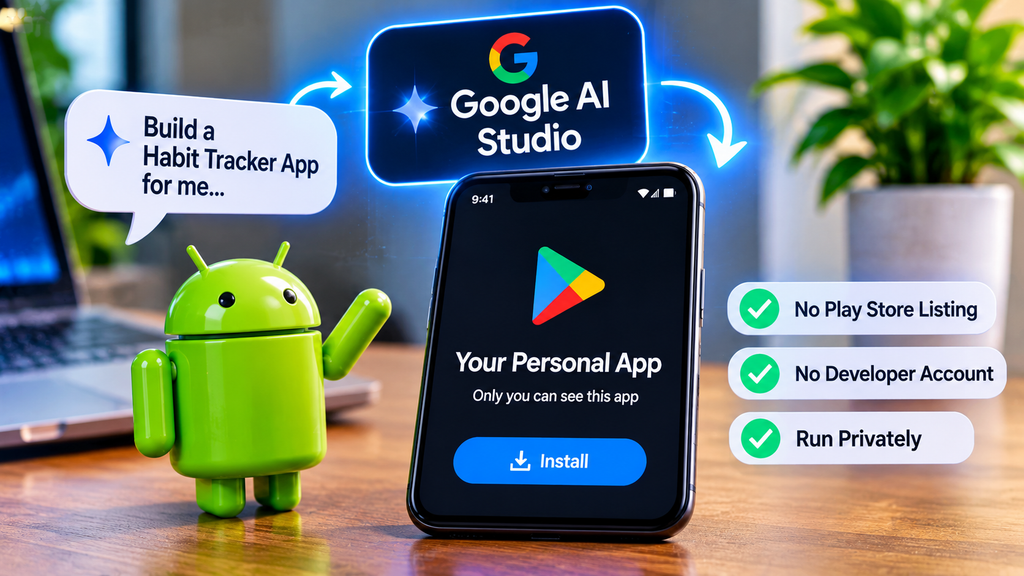
The exact screens may change, so follow the on-screen instructions in AI Studio, but the general process looks like this.
Step 1: Describe Your App Clearly
Before you open any tool, write your idea in two or three sentences. Say what the app does, who it’s for (usually just you), and the main screens. A clear description gives much better results than a vague one.
Example prompt:
Build an Android app called "Daily Habits". It has a home screen with a list of my habits, a button to add a new habit, and a checkbox to mark each habit as done today. Show a simple weekly streak for each habit. Keep the design clean and use a dark theme.Step 2: Build It in Google AI Studio
- Open Google AI Studio and go to its app Build mode.
- Choose Android as the type of app you want (reports describe a selector for this).
- Paste your description and start the build.
According to public descriptions, AI Studio generates a native Android project, reportedly using Kotlin and Jetpack Compose, and shows a preview in an in-browser phone emulator so you can test it before installing.
Step 3: Test and Improve With Follow-Up Prompts
Try the app in the preview. Then ask for changes in plain language, for example:
- “Make the add button bigger.”
- “Save my habits so they stay after I close the app.”
- “Show a message when there are no habits yet.”
Make one change at a time and test each time. This keeps problems easy to find.
Step 4: Put It on Your Phone
There are two main ways.
Option A: Launch it as a private personal app through Google Play.
This is the new feature. You sign in on your Android phone with the same Google account, open the Play Store, and find your personal app there. It stays private and separate from the public store catalog.
Option B: Install it directly over USB.
This older method works without the new Play feature. You turn on Developer options and USB debugging on your phone, connect it to your computer, and pick your device when AI Studio asks. The steps vary by phone brand, so follow the guide shown in AI Studio.
Who Can Use It Right Now?
This is the most important point to check before you get excited.
At launch, Google made the personal app feature available to users in the United States, aged 18 and above. Reports say Google has not shared a launch date for other countries such as India.
So if you live outside the US, you may not see the Play Store route yet. The USB installation route is a separate method, so check whether AI Studio’s Android builder is available to your account. Keep an eye on Google’s official announcements for expansion.
What Are the Rules and Limits?
- Google Play policies still apply. Personal apps must follow the same content and safety rules as other apps. Private doesn’t mean “anything goes.”
- They stay private. Personal apps don’t appear in Play search, listings, ratings, or recommendations while they remain private.
- Sharing is coming, not here yet. Google says that in the coming months you’ll be able to share a personal app with a small circle of trusted friends or family.
- Going public later is possible. If an app becomes popular, Google says there will be a way to move it to a public Play Store listing after trust and safety reviews. For public publishing, you’ll still need to follow the normal developer process.
Personal App vs Public App
- Personal app: Built for yourself, private, not discoverable, no store listing needed, intended to run on your own device.
- Public app: Listed in the Play Store, discoverable by anyone, requires a developer account, store listing, policies and reviews, and (for new personal developer accounts) testing requirements. If you’re thinking about publishing, read my guide on Google Play Closed Testing: 12 Testers for 14 Days.
Simple Personal App Ideas to Try
If you have access, start small. Good beginner ideas include:
- A habit tracker or daily routine checklist
- An expense tracker for your own spending
- A study planner or exam countdown
- A quiz app for revising a subject
- A notes app for your song lyrics and prompts
- A checklist app for uploading YouTube videos (title, description, thumbnail, tags)
- A workout log or water reminder
Avoid anything that needs sensitive data, payments, or complex security. Those are better built with proper development practices.
Important Cautions About Vibe-Coded Apps
AI-built apps are exciting, but they have real limits.
- AI code can have bugs. An app that looks perfect in the preview may fail in real use. Test every feature on your actual phone.
- Security matters. Don’t paste passwords, API keys, or private data into prompts. Don’t build apps that handle other people’s personal information without proper safeguards.
- Back up your project. Keep a copy of your prompts and project so you can rebuild if something breaks.
- Maintenance is on you. Reports note the announcement doesn’t explain who maintains AI-generated code over time. Apps can break when Android updates, so be ready to update them.
- Understand what you ship. If you plan to turn an idea into a real product, learn the basics of Android development so you can review and fix the code. My guide on How to Install Android Studio and Create Your First App is a good start.
- Respect the rules. Policy violations can still cause problems, even for private apps.
What Does This Mean for Developers?
- For beginners: It lowers the barrier. You can turn an idea into something running on your phone in an afternoon, and learn from the generated code.
- For professional developers: It may change how prototypes and internal tools are built. Quick personal tools no longer need a full release process.
- For the Play Store: It signals a shift toward personal, custom apps next to the public catalog, a direction Google describes as moving from “there’s an app for that” to “there’s an app for me.”
Remember that a private personal app is not a replacement for a properly built, tested, and reviewed public app.
Frequently Asked Questions
Do I need a Google Play developer account for personal apps?
According to reports on Google’s announcement, you can create and run a personal app privately without opening a developer account. Publishing a public app still follows the normal developer process.
Is the feature available in India?
At launch it was announced for users in the United States aged 18 and above, and reports say no India launch date has been shared. Check Google’s official announcements for updates.
Can other people install my personal app?
Not yet. Google says sharing with a small group of trusted friends or family will be added in the coming months.
Will my private app appear in the Play Store?
No. Personal apps are kept separate from the public store catalog and don’t appear in search or listings.
Is Google AI Studio free?
AI Studio has been offered with free access for building, but pricing and limits can change. Check the current details on Google’s own pages.
Do private apps have to follow Google Play policies?
Yes. Google says personal apps must still comply with Play’s existing policies.
Can I turn a personal app into a public app later?
Google says there will be a path to publish a personal app publicly after completing trust and safety reviews. Check the official guidance when it becomes available.
Is vibe coding good enough to replace learning Android development?
It’s useful for personal tools and prototypes, but you still need to understand code to test, secure, and maintain anything serious.
Final Thoughts
Google Play’s private personal apps are a big step for people who want to build apps for themselves with AI. If you’re in a supported region, try a small idea, test it carefully, and treat the result as a learning project. If you’re not, you can still explore AI Studio’s builder and stay ready for when the feature expands.
You may also like my posts on 50 ChatGPT Prompts for Android and Flutter Developers and Flutter 3.47: What’s New and How to Upgrade Safely. Questions or topic requests? Send them through my Contact page.
Disclaimer: This article is based on Google’s October 13, 2026 announcement as reported by news outlets, and features, availability, and policies may change. It is for educational purposes only. Always check Google’s official pages for current details before building or publishing an app.
